# Sample App
The Proof of Concept (PoC) app is a simple clicker game, similar to Hamster Combat, designed to showcase the capabilities of t:connect in a fun and interactive way. It demonstrates how blockchain interactions can be seamlessly integrated into a Telegram Mini App.
{% hint style="info" %}
You can play the game in telegram via [@TheT2Earn](https://t.me/TheT2Earnbot)
{% endhint %}
## Game Features
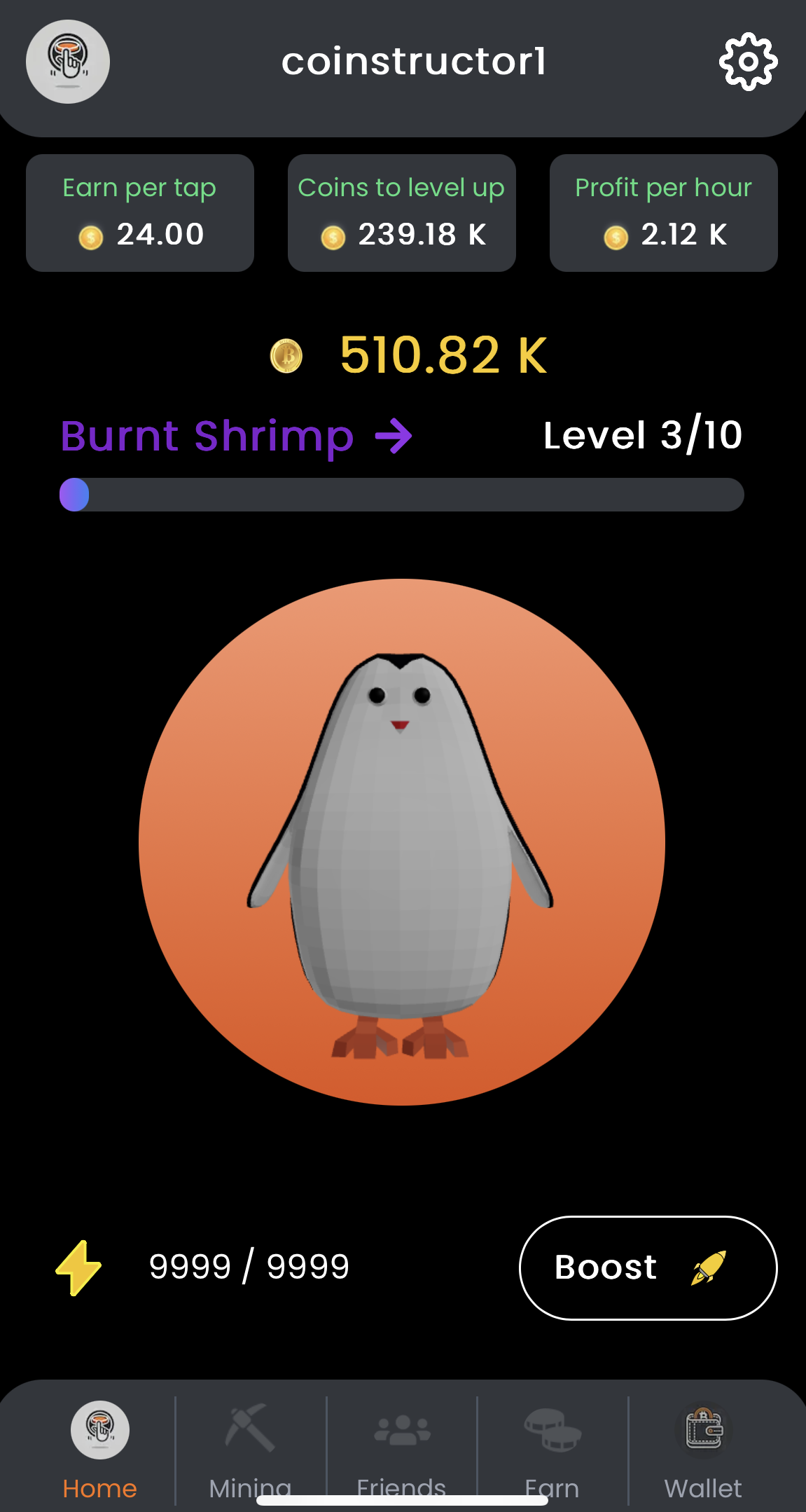
### Main Button Clicking
* Action: Clicking on the main button.
* Effect: Increases the player's balance by a base amount.
* Description: Each click represents a basic action in the game, incrementing your balance.
home screen
### Mining Objects
* Action: Clicking on a mining object within the game.
* Effect: Increases the balance automatically every hour.
* Description: Mining objects act as passive income generators, adding to your balance over time without additional clicks.
mining screen
### Combos
* Action: Achieving certain click sequences or milestones.
* Effect: Provides a one-time significant increase to the balance.
* Description: Combos reward players for active engagement and skillful clicking patterns.
### Referral Links
* Action: Generating and sending a referral link to other Telegram users.
* Effect: The referrer gets rewarded after he has invited 3 friends.
* Description: Encourages users to invite friends, expanding the game's user base organically.
* How to Use:
* Click on the Referral button.
* Send the link via Telegram to your contacts.
referral screen
### Earn Section
* Action: Clicking on items within the Earn section.
* Effect: Opens a link (e.g., an advertisement or partner site) and increases the balance once per item.
* Description: Provides opportunities to earn extra coins by engaging with sponsored content.
### Boost Menue
* Action: Spending balance to purchase boosts.
* Effect:
* Temporary Boost: Multiplies the effect of the main button clicks by x2 up to 5x for 3600s down to 60s.
* Permanent Multiplier: Doubles (2x) the effect of main button clicks for the lifetime of the game.
* Description: Allows players to strategically enhance their earning potential through boosts.
boost section
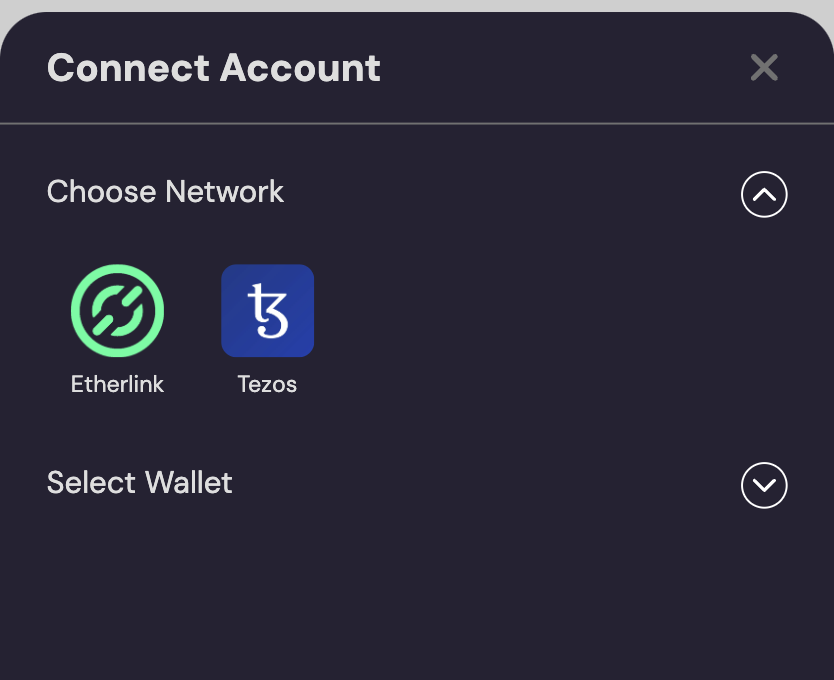
### Wallet
* Action: Connect to the wallet
* Description: The @tconnect.io/modal opens and the user can connect to his favorite wallet
## Game Flow
### Starting the Game
{% stepper %}
{% step %}
### Starting the Game
* Open the Mini App within Telegram via [@TheT2Earn](https://t.me/TheT2Earnbot)
* Click Open Game
{% endstep %}
{% step %}
### Increasing Balance
* Click the main button repeatedly to increase your balance
* Utilize mining objects for passive income
{% endstep %}
{% step %}
### Enhancing Earnings
* Purchase boosts from the the boosts-menu to multiply your earnings
* Engage in combos for instant balance increases
{% endstep %}
{% step %}
### Expanding the Game
* Invite friends with referral link
* Explore the Earn section for additional
{% endstep %}
{% step %}
### Spending Balance
* Use accumulated balance to buy more boosts
* Unlock new mining objects or game features
{% endstep %}
{% endstepper %}
## Modals
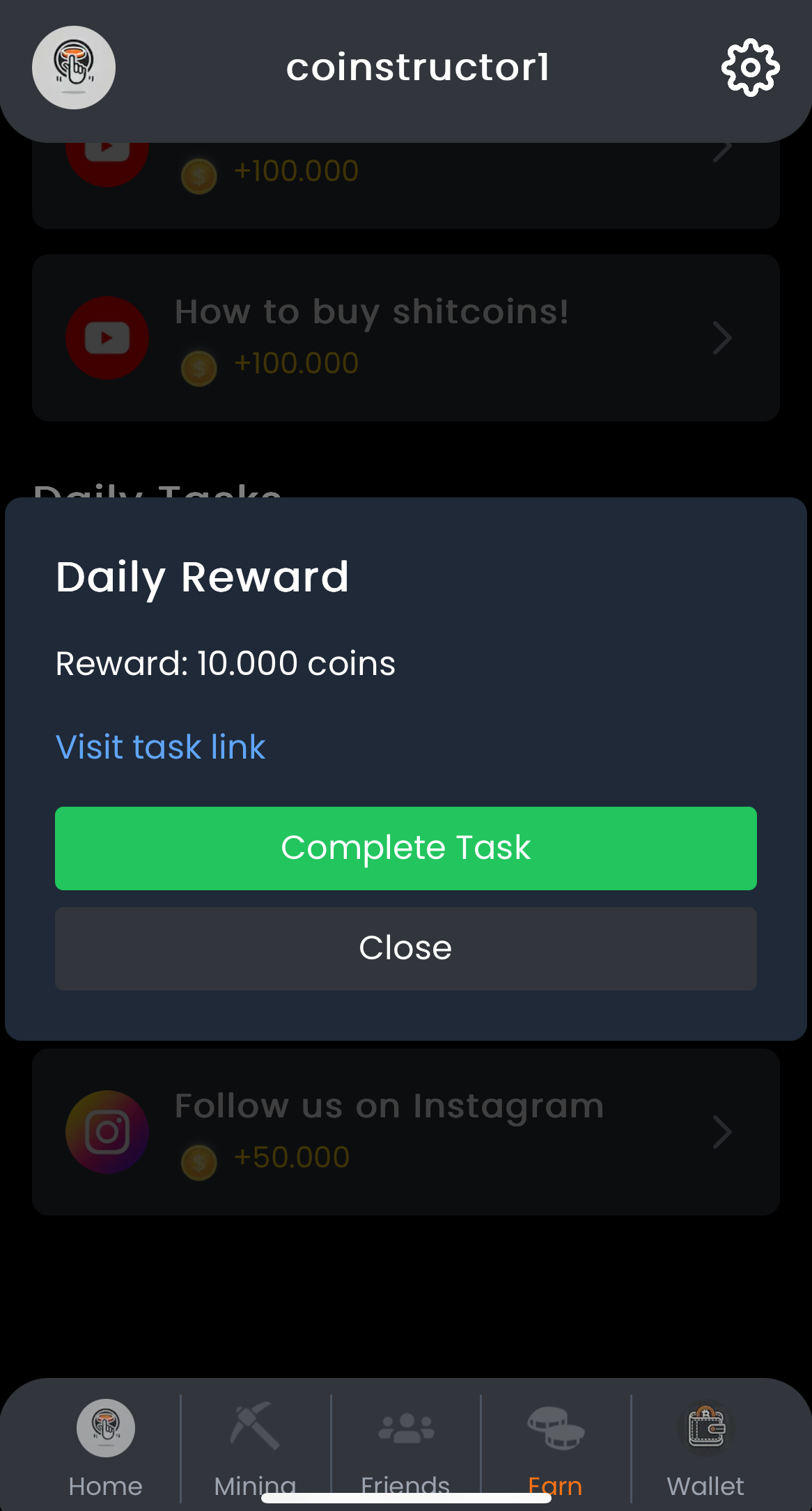
In the game, modals are used to inform users about important events. For example, when a boost-item is purchased, a modal appears at the top of the screen confirming the action. Similarly, when a task in the "Earn" section is completed successfully, a larger modal provides detailed information about the current status of the action.
task completed modal in earn
boost-item purchased
---
# Agent Instructions: Querying This Documentation
If you need additional information that is not directly available in this page, you can query the documentation dynamically by asking a question.
Perform an HTTP GET request on the current page URL with the `ask` query parameter:
```
GET https://t-connect.gitbook.io/t-connect/getting-started/proof-of-concept/sample-app.md?ask=
```
The question should be specific, self-contained, and written in natural language.
The response will contain a direct answer to the question and relevant excerpts and sources from the documentation.
Use this mechanism when the answer is not explicitly present in the current page, you need clarification or additional context, or you want to retrieve related documentation sections.